Learning Hub
Upload what you were taught. Practise on it.
You put your own material in and the Learning Hub makes things from it: quizzes, slides, mind maps. A lecture PDF works, or a slide deck, a Word file or an image. You can paste text too.

Learning Hub
Put in whatever you were given
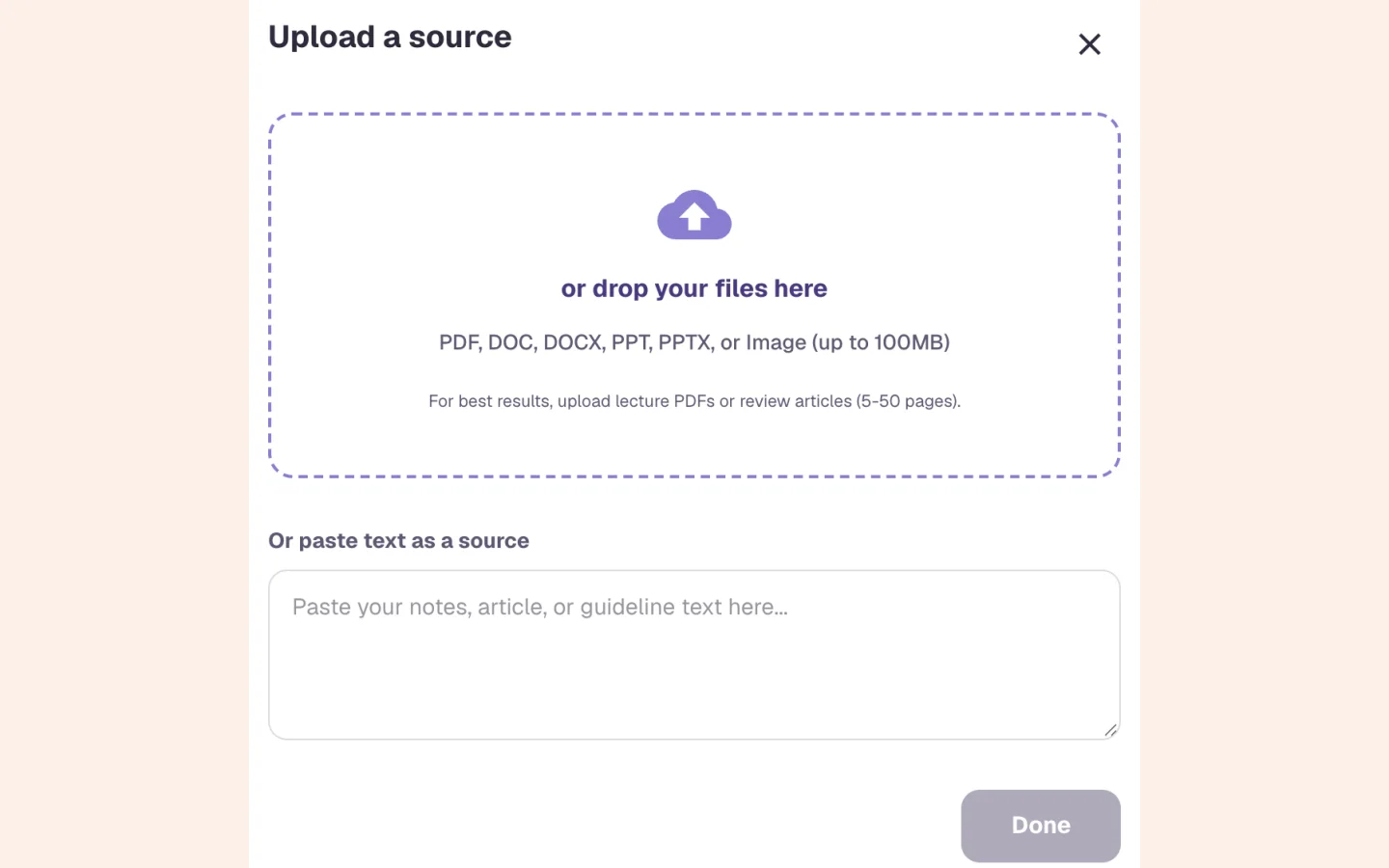
Drag files in or click to choose them. If all you have is a paragraph from a guideline, paste it. You can rename and preview any source, and add more to the notebook later.
PDF, Word, PowerPoint and images, up to 100 MB each
Several files at once
Pasted text, up to a million characters
Learning Hub
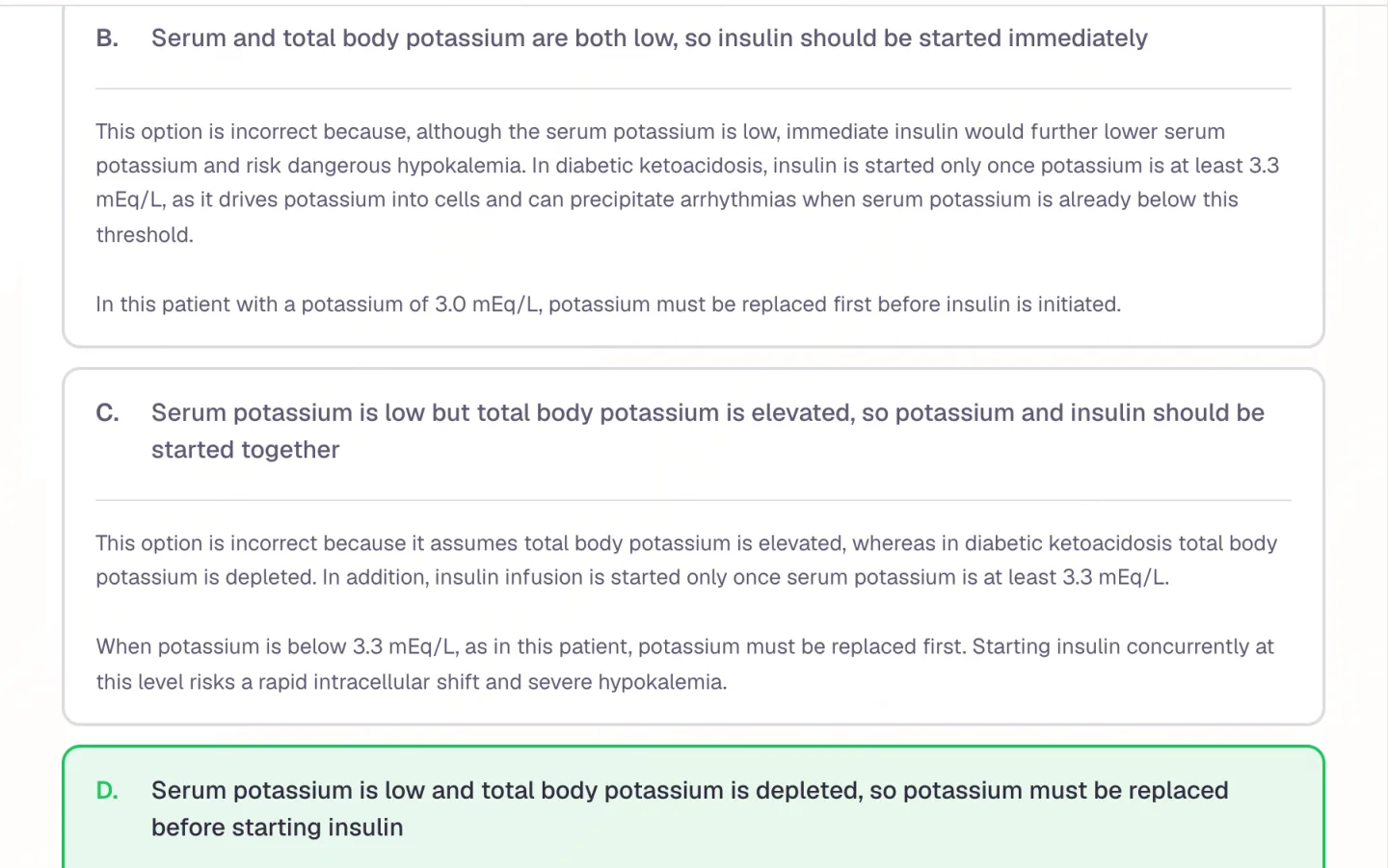
Every answer option gets an explanation
Pick 8, 12 or 15 questions, and Easy, Medium or Hard. Each question is a clinical vignette with five options, and every option, the wrong ones too, has its own explanation. The questions follow the exam on your profile and your year of training. A Step 2 CK quiz asks for the next best step. An NCLEX-RN quiz asks what the nurse should do first.
Choose sections, or only what you got wrong or haven't tested
An Ask Alma button after a wrong answer
Quizzes are saved, so you can retake them
Learning Hub
A report when you finish
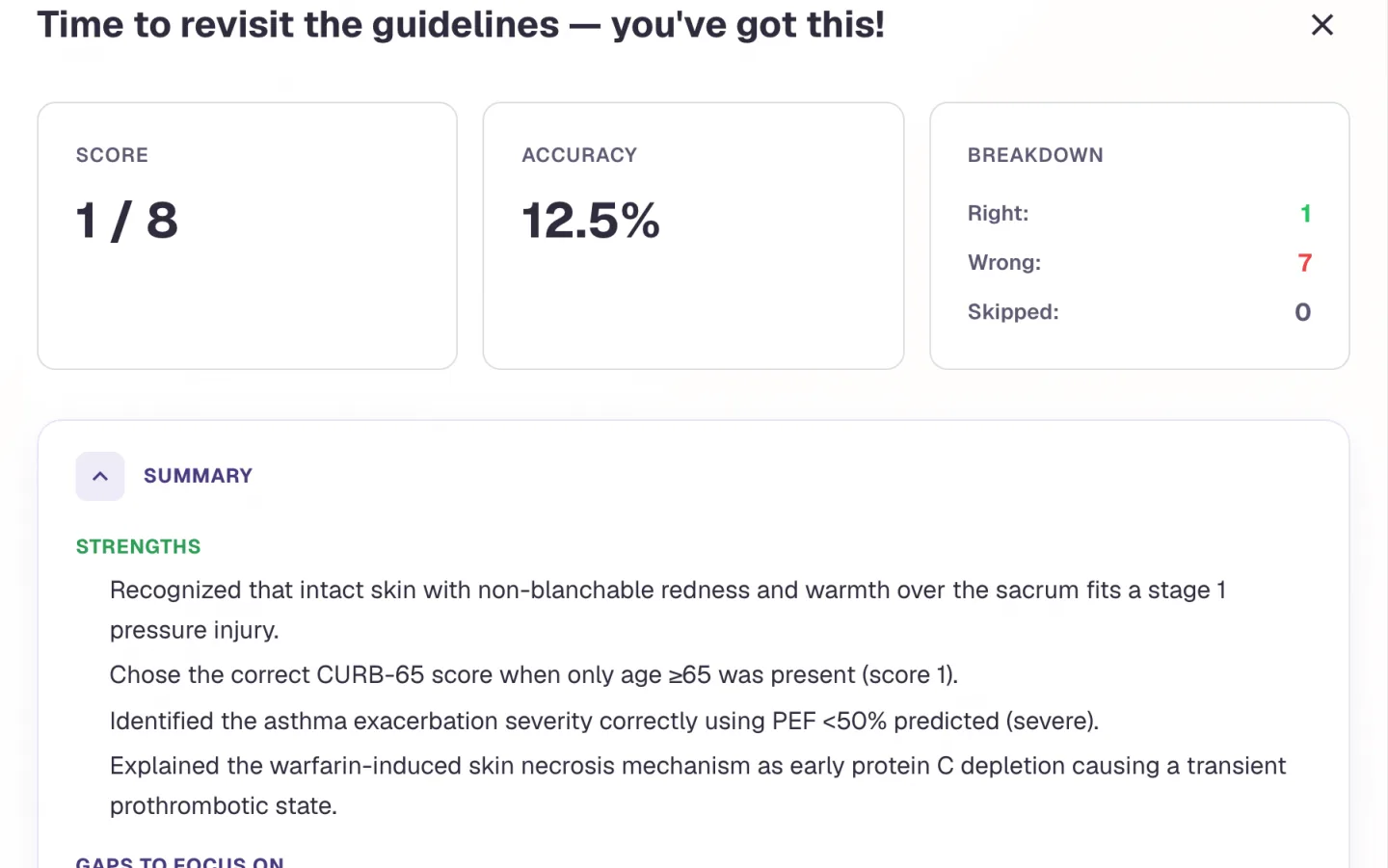
At the end you get a score and a short write-up of what you got right and where you slipped. Under it, every question again, with your answer, the correct answer and the reason. Quiz Untested Areas makes a new quiz from the topics you haven't touched. Alma uses your answers to see which topics are weak.
What you got right and wrong, in sentences
Every question with your answer and the correct one
A new quiz from topics you haven't touched
Learning Hub
Slides, mind maps and videos too
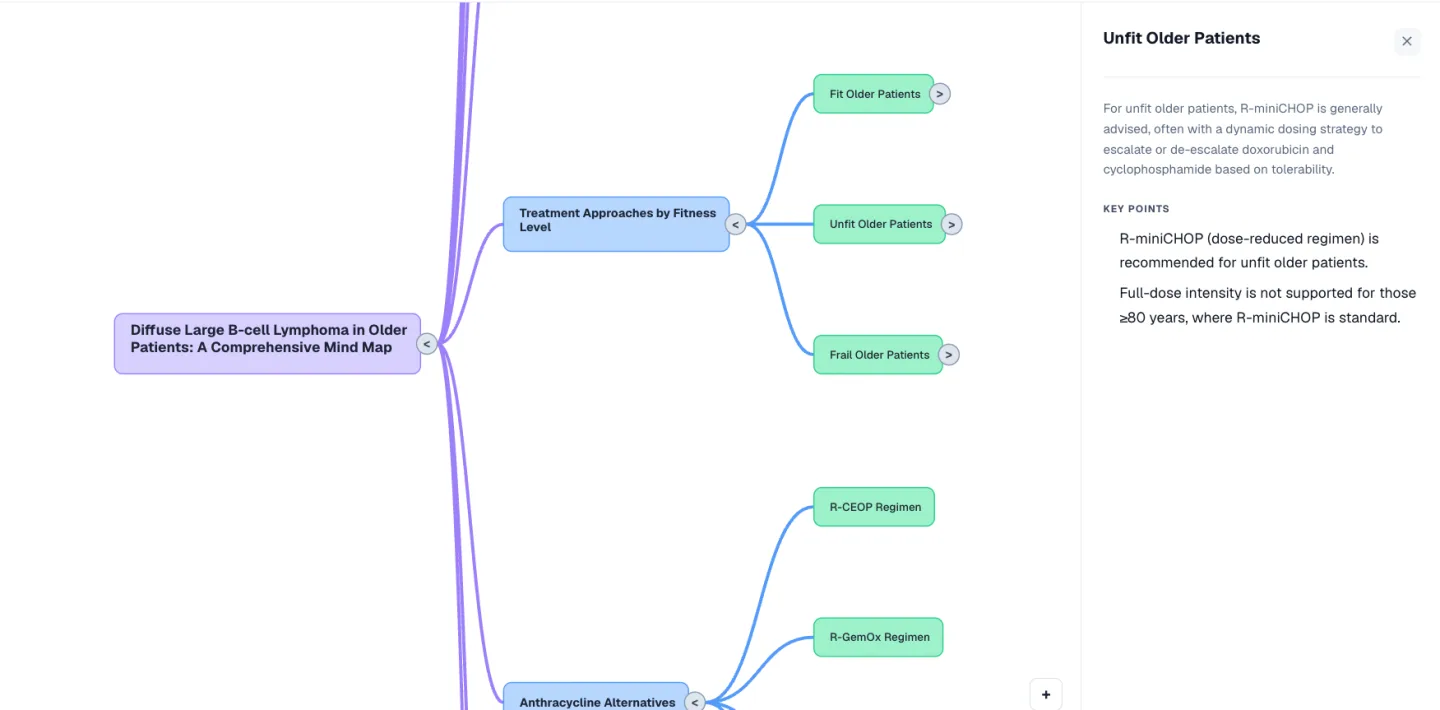
Build Lecture makes 5 to 50 slides from your sources, 20 by default. Edit them, add AI images if you want, and export to PowerPoint. The Mind Map tab draws the topic as branches. You can add or delete branches and download the map as a PNG. Video Lesson makes a narrated video of textbook-style slides, with diagrams, plain-language explanations and analogies picked for you.
5 to 50 editable slides, exported to PowerPoint
Mind maps with branches you can add and delete
Video lessons with diagrams and analogies
Who it is for
Learning Hub for medical, nursing, NP and PA learners
The tool is the same for everyone. What changes is the exam it points at and the kind of week you are fitting it into.
Medical Students
- USMLE Step 1
- Step 2 CK
- COMLEX
- Shelf exams
You get a pharmacology deck on Monday and a block exam on Friday. Upload the deck and take a 15-question quiz. The report shows which drug classes you keep mixing up. Step 1 and Step 2 CK have their own question styles, so the quiz reads like your exam.
See Alma for medical studentsNurses & Nursing Students
- NCLEX-RN
- NCLEX-PN
- HESI
- ATI
Your program assigns the reading, and the NCLEX tests judgment. Upload a chapter on diabetic ketoacidosis or pressure injuries and the quiz asks what the nurse should do, with a reason for every wrong option. The questions are in NCLEX-RN style and come from the chapter your instructor assigned.
See Alma for nurses & nursing studentsNurse Practitioners
- AANP
- ANCC
- FNP
- AGNP
There's no time between clinic days to hunt for the right page. Upload the guideline or review article you're reading this week. The questions come from that document, and they follow the AANP or ANCC outline for the exam on your profile. Switch to Hard once the basics are in.
See Alma for nurse practitionersPhysician Assistants
- PANCE
- PANRE
- EOR exams
The PANCE covers a lot and rotations are short. Upload your didactic-year slides or a rotation's reading list and take a PANCE-style quiz. The report lists what to revisit before your end-of-rotation exam. Quiz Untested Areas covers what you skipped.
See Alma for physician assistants
Worth knowing before you start
- Questions come from your own sources. There's no ready-made question bank.
- Quizzes and Build Lecture count toward your plan's monthly AI allowance. Uploads, mind maps and video lessons don't. The pricing page has the numbers.
- Quizzes can't be made from Notebook notes. To quiz yourself on them, paste them in here as a source.
- Your uploads and notes aren't used to train any AI model, ours or anyone else's.
Common questions
What can I upload to the Alma Learning Hub?
PDF, DOC, DOCX, PPT, PPTX and image files, up to 100 MB each, several at a time, or pasted text (up to 1,000,000 characters). You can add more sources to a notebook after you create it.
Does it write questions in the style of my exam?
Yes. The style comes from the exam and training year on your profile. That covers the exams offered at sign-up, including Step 1, Step 2 CK, the NCLEX-RN, the PANCE and the NP certification exams. The NP styles are built only from the published AANP and ANCC outlines. Those say what the exams cover, not how their items are worded.
How many questions does a quiz have?
8, 12 or 15, at Easy, Medium or Hard. Each has five options and an explanation for every option. How many quizzes you can generate each month depends on your plan.
Can I turn a lecture into a PowerPoint?
Yes. Build Lecture makes 5 to 50 slides from your sources (20 by default). You edit them in the app and export to PowerPoint.
Try the Learning Hub on something you are studying
Upload a lecture or paste a page of notes and see what comes back. No card required.
Start free
Last updated