Notebook
Notes you can write fast, and then actually use.
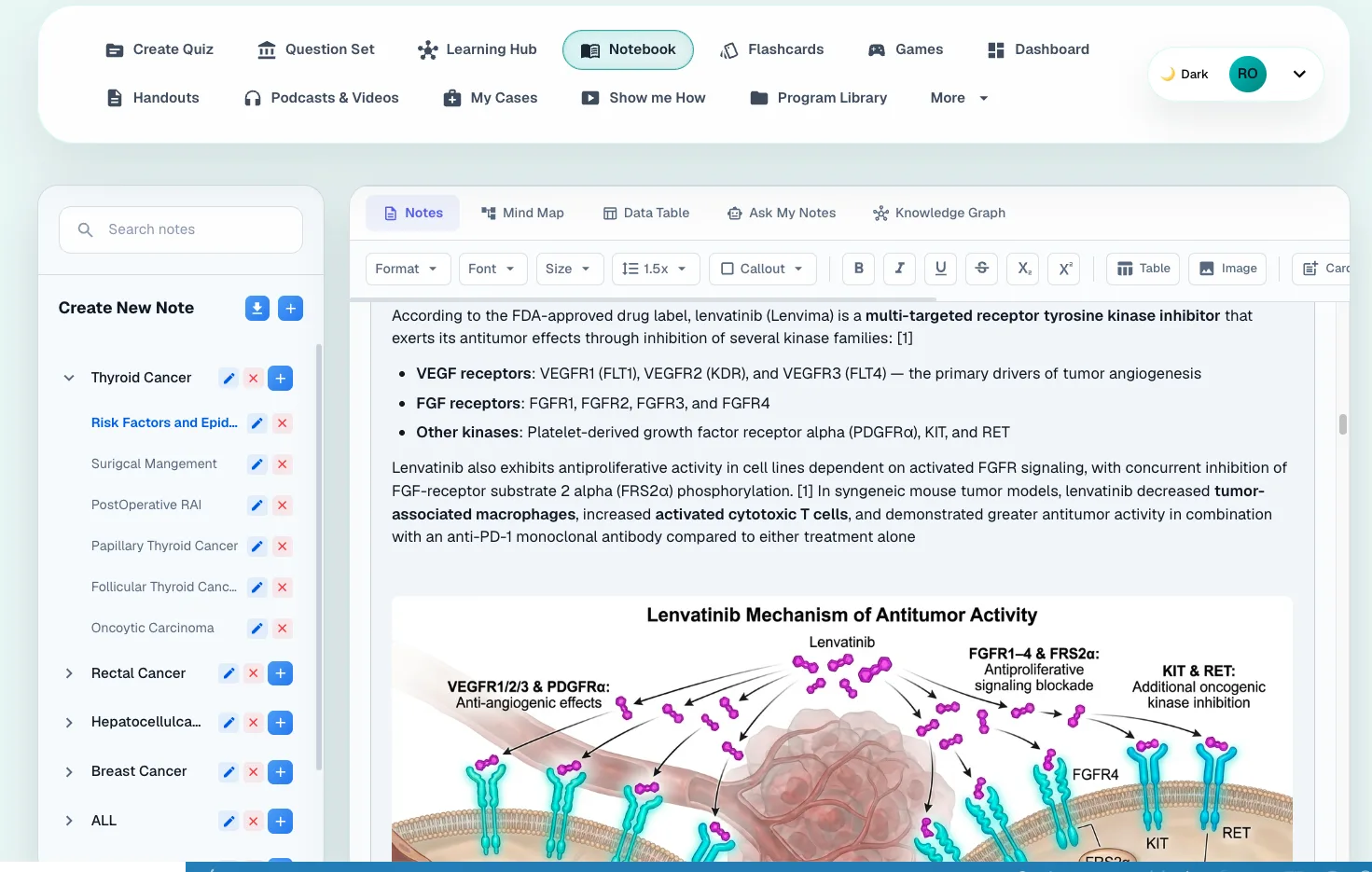
The Notebook is a note editor with a few study tools attached. Write in sections, paste in what you copied from a lecture, or dictate with the mic. Then turn notes into pictures, flashcards, a mind map or a table. Alma searches your notes when you ask her something.

Notebook
A normal note editor, plus a few extras
Write in sections and sub-notes. Paste what you copied from a lecture, or press Mic and talk, and it transcribes. Select a paragraph and Rewrite it as bullet points, a summary, detailed notes, a study guide or key terms. When you're done, download the notes you choose as a Word document.
Tables, callouts, fonts and lists
Subscript and superscript, for chemistry and doses
Autosave, and search across every note
Notebook
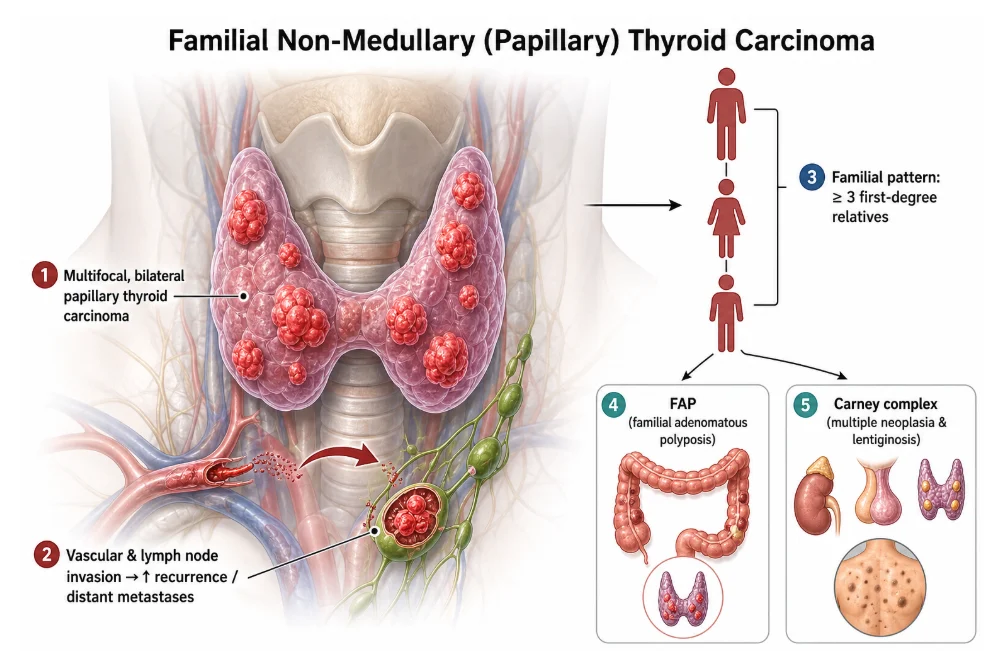
Turn a wall of text into a picture
Some things are only hard because they are written as paragraphs. Select the text, choose Image, pick a textbook-style illustration or a cartoon mnemonic, and the app draws it and drops it into your note. The picture here came from three paragraphs on the coagulation cascade, which is easier to see than to read.
Textbook illustration or cartoon mnemonic
Drawn from the exact words you selected
Add a note of your own to steer it
Notebook
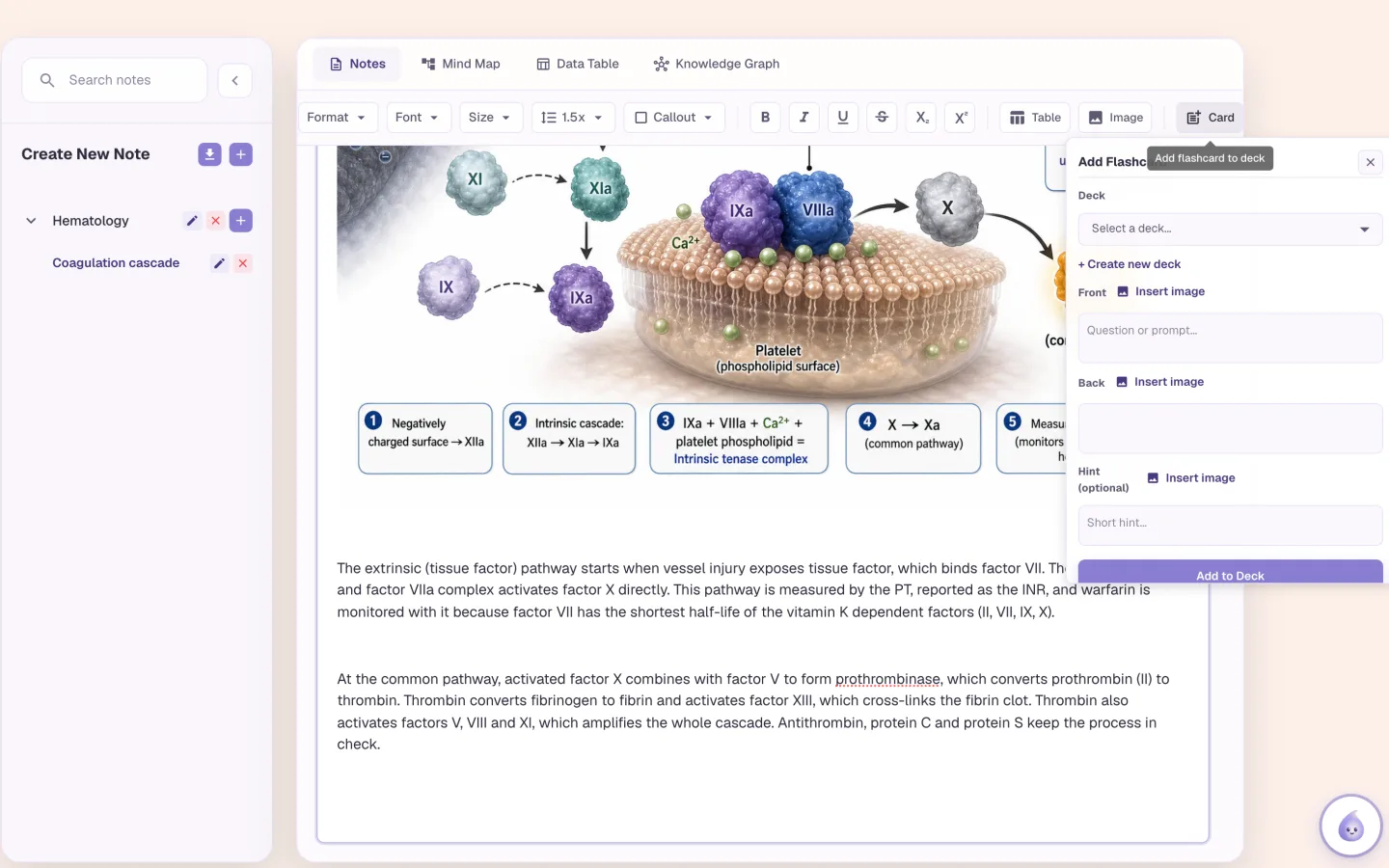
Select a line, press Card, and it is a flashcard
Highlight the sentence you keep forgetting, press Card, choose a deck, and the front is suggested for you. You read it, change it if you like, and save it. The card goes into the same deck as everything else you study, on the same schedule.
An AI-suggested front, which you edit before saving
Pick any deck, or start a new one
Add a picture to either side
Notebook
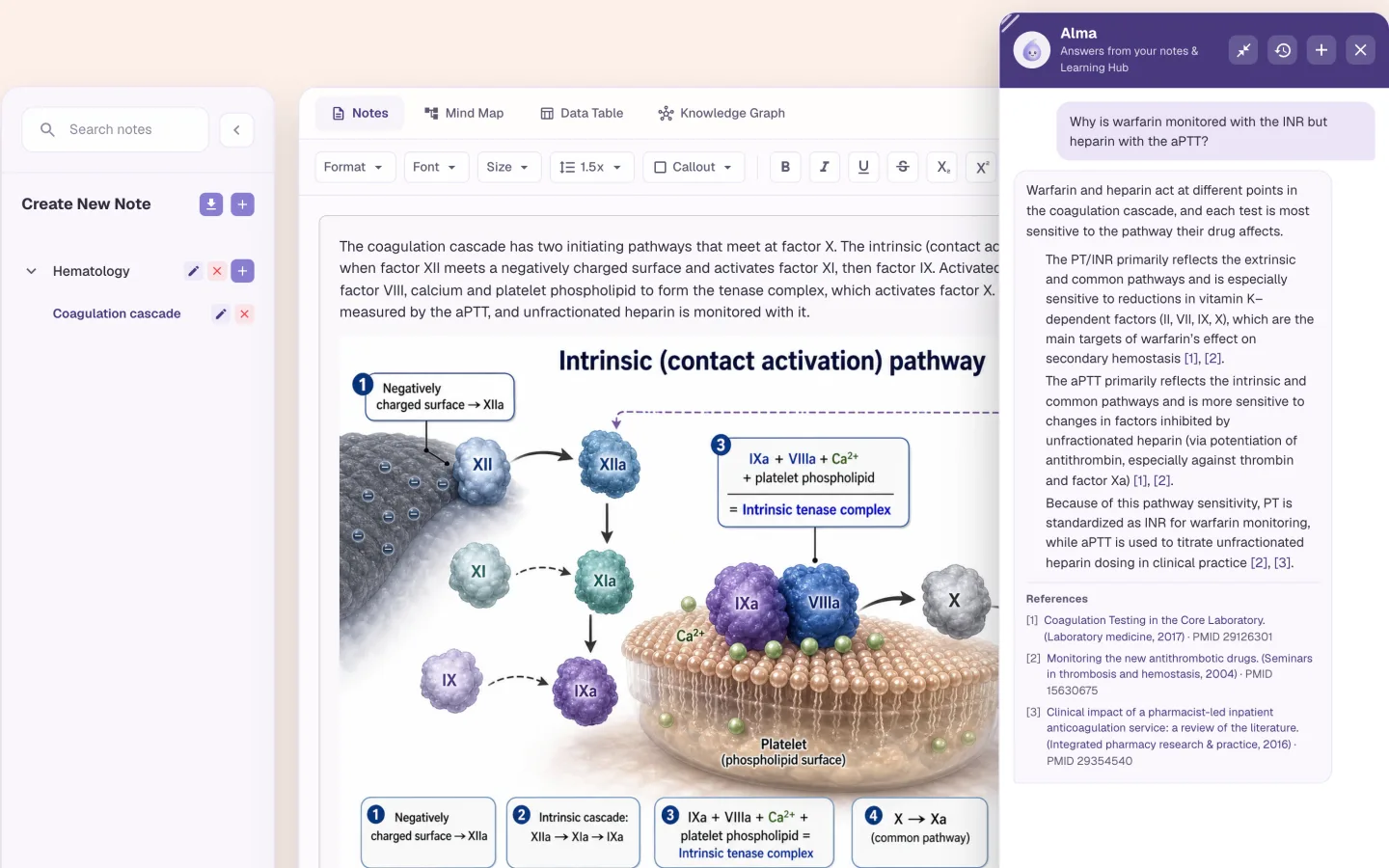
Ask your notes a question
Alma answers from your notes, your Learning Hub sources and your flashcards. Ask why warfarin is monitored with the INR and heparin with the aPTT, and she answers from the note and from PubMed, with references you can open.
Answers that cite your notes and PubMed
Mind Map: built from the notes you pick
Data Table: pick notes, or describe the table you want
Knowledge Graph: builds itself from everything you write
Who it is for
Notebook for medical, nursing, NP and PA learners
The tool is the same for everyone. What changes is the exam it points at and the kind of week you are fitting it into.
Medical Students
- USMLE Step 1
- Step 2 CK
- COMLEX
- Shelf exams
Lecture notes in the morning, notes from your review book in the afternoon, all in one notebook, organized by block. Select the paragraph on the brachial plexus and get a labeled diagram. Highlight the mnemonic you always forget and make it a card. For question practice, paste the same text into the Learning Hub as a source.
See Alma for medical studentsNurses & Nursing Students
- NCLEX-RN
- NCLEX-PN
- HESI
- ATI
Placement notes and class notes end up in one place. Dictate a care-plan summary on the way home. Rewrite it as key terms. Put the lab values you can't remember into a table and read them side by side.
See Alma for nurses & nursing studentsNurse Practitioners
- AANP
- ANCC
- FNP
- AGNP
Write down the clinical pearl before it's gone. After a patient with an odd presentation, dictate it into your notebook. Later, ask Alma what you noted about it. She answers from your own words.
See Alma for nurse practitionersPhysician Assistants
- PANCE
- PANRE
- EOR exams
Didactic year and rotations use the same knowledge, so keep one notebook through both. The pharmacology from the fall is still there, and searchable, when it comes up again on your surgery rotation.
See Alma for physician assistants
Worth knowing before you start
- On a phone you get the notes editor. Mind Map, Data Table and Knowledge Graph are tabs on larger screens.
- Quizzes aren't made from Notebook notes. Paste the text into the Learning Hub as a source if you want to be quizzed on it.
- The only export is a Word document. There are no tags, and notes can't be shared. Flashcard decks can be shared inside a school's organization.
- AI flashcards made with Card count toward your plan's monthly AI flashcard allowance. Cards you write by hand don't.
Common questions
Can I dictate notes into the Alma notebook?
Yes. The Mic button in the editor records speech and transcribes it into the note.
Can Alma turn my notes into a diagram?
Yes. Select some text, choose Image, and pick a textbook illustration or a cartoon mnemonic. The image is drawn from the words you selected and inserted into the note.
Can I make flashcards from my notes?
Yes. Select text, press Card, choose a deck, and the app suggests a front that you edit before saving. On the Flashcards page, Generate from Notes makes 5 to 20 cards for you to check.
Can I export my notes?
Yes, as a Word document (.docx). That's the only export. Notes can't be shared with other people.
Try the Notebook on something you are studying
Upload a lecture or paste a page of notes and see what comes back. No card required.
Start free
Last updated